In this partial I did not have the opportunity to assist to class very often, primarily due to work and family needs. But this is not to worry because I still learned a lot through the making of masteries and listening to the few classes I went to.
In one of the classes a meeting was held for us with an important person, this person talked about his experiences in job interviews, about how it is working for a company and how he got a really high position in his job. He told us he went to meetings every time he could, volunteered in technology events, and made himself known in order for others to consider him while searching for employees.
In this time I learned that if I want to be a successful person as a developer, it is not enough to just be super good in programming or the developing process. You also have to make yourself known amongst the community by either applying for jobs, volunteering in events or just writing blogs in the internet.
As always, below there’s a resume of what I learned or have seen this partial.
Design patterns:

It is not an exaggeration when people say that design patterns are REALLY helpful. They are a great invention of humanity designed to help us developers in times of need. They help speed up the development process. They provide an already proven solution to any problem you could have! (Of course only if someone else encountered the same problem and actually wrote a design pattern for a solution to it. But most likely there is). Design patterns save us a lot of time in debugging code because they consider issues or bugs that often won’t pop up until later in development, which may happen with fresh code not following a design pattern. Also they add readability for someone who also is familiar with them. They are kind of like a common ground for us developers to actually understand something out of our spaghetti code.
UML:
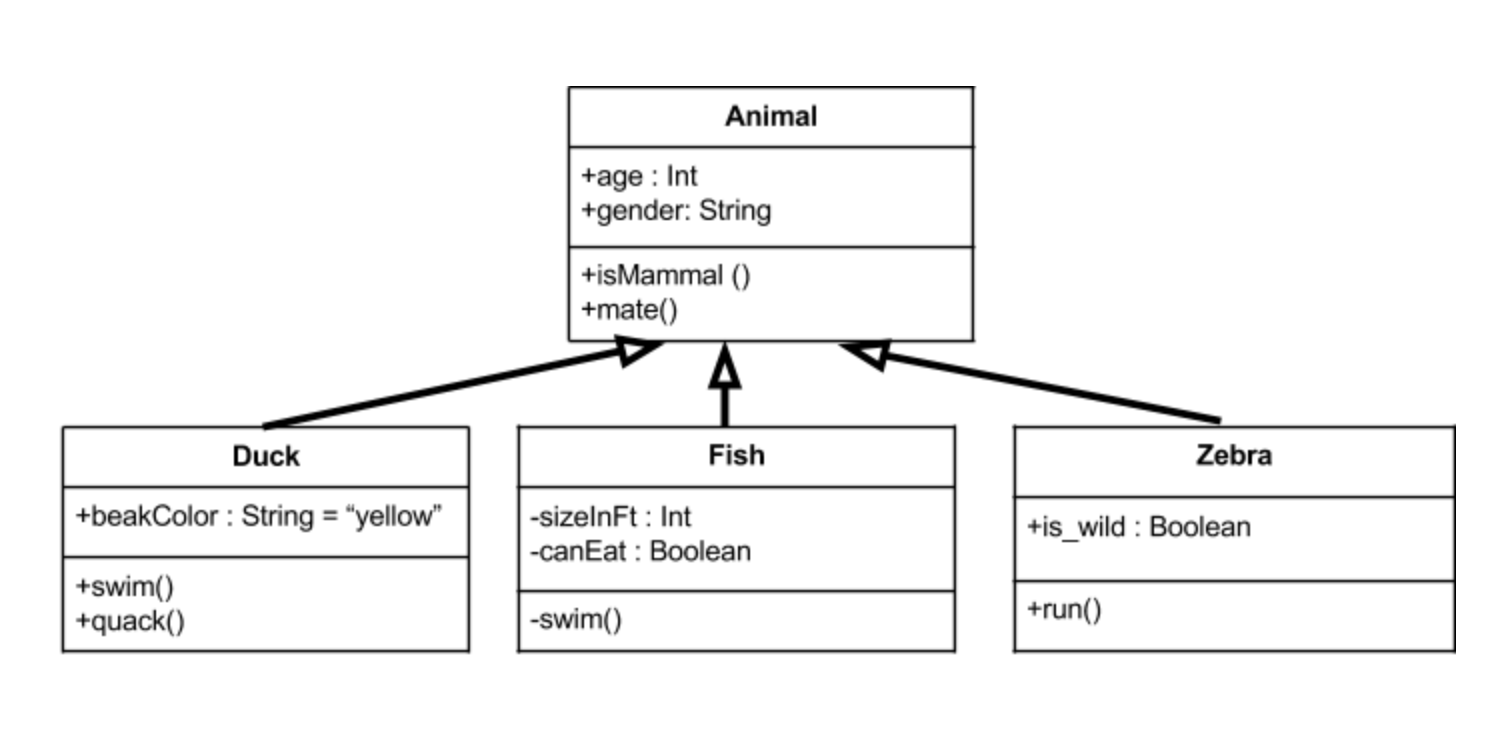
The Unified Modelling Language (UML), if you are a software developer it will become a great ally. It is a really flexible tool to create understandable diagrams, and its clearness is not diminished even if there’s a massive difference between diagrams created with it. Even better, formal notation of UML is not even necessary in order to understand it; this is because UML likes to keep things general, easy to understand and not necessarily complex in structure. Another massive advantage you will have if you decide to learn UML is that this modelling language is very popular. A lot of people will actually understand your diagrams and what you want to transmit. It would really be a shame if the “universal” modelling language wasn’t as popular, so good thing that it is.
Currently there are around 14 different types of UML diagrams. Every diagram is focused in showing a different part or different information of a system. We should familiarize ourselves with the different types and stick them to future projects. UML is a very useful tool.
Converting classes to tables:

Converting classes to tables is a common thing to do in a project environment. We want to convert classes to tables in order to actually start the transition from the planning phase to the executing phase, or the “make a database for this” phase. This is one approach that is in most cases advantageous for a project to take, and this process will help the software define actual data that it will need to run.
Converting classes to code:
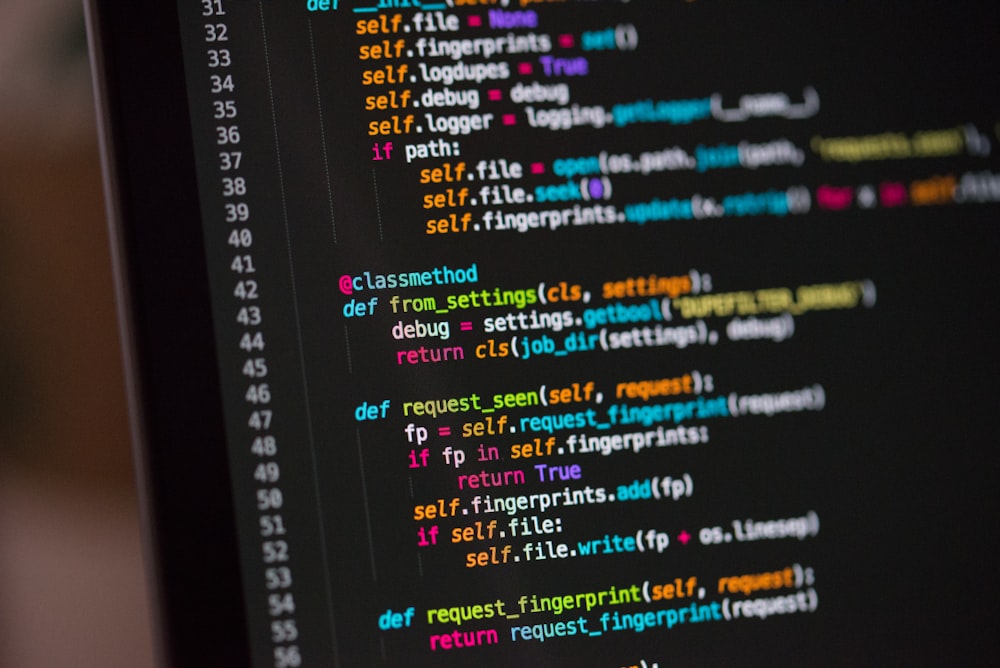
Converting classes to code is even more common than converting classes to table, or that is what I think. This process marks the start of the executing phase, alongside the conversion to tables. It is fairly easy to do since all the logical planning is kind of already done. The only thing left to meditate about is deciding into what language are you going to translate your diagram to, and if it is a non-object oriented language, perhaps some extra steps will be necessary. Deciding what is the best language to code the software is very important to translate a diagram. Yes technically all languages are capable of just about the same thing but some of them will make the software run faster or be optimized in certain situations, and the most important point, the implementation can be a lot more difficult in one language than in another.
Project update:

In this part of the project we focused in doing interviews to the stakeholders, gathering their hopes and dreams. We use that information to improve our project model, define user stories and improving our use case diagram. What I learned about this part of the project, and consider that this could be a useful trick to interviewing for a project in the future, is that when asking questions to stakeholders it is very important to let them express their thoughts with open questions. It is a really bad idea to just ask yes / no questions because then information can and will be omitted that could be important for development and no one will know about it until it’s too late. If it is inevitable to ask a yes or no question, then asking the reasoning behind the answer too is the best approach since, for the project, is very useful to know the thought process and perspective of each person involved in the project and making it easier to fulfill their expectances or to collaborate.
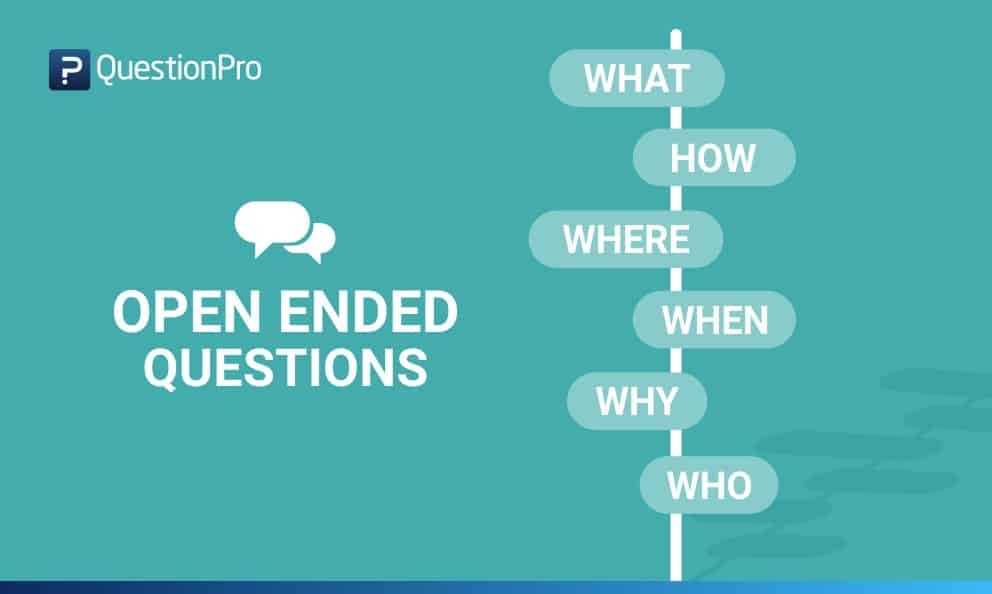
In the project, we proceeded to do just that. Try and ask open questions or tying to ask the reasoning behind a closed one. We also tried to avoid vague responses by asking precisely. I would also recommend that. Asking generic questions can often lead to generic and vague answers, so it is better for it to be as precise as possible.
Next in the list was updating the user history and starting making diagrams. First comes interpreting the interviews, for this part, the difficulty of the task depended on how consistent and precise was the answer for each individual. This was not difficult for our team because I consider we asked the correct things. After the making of the user history we started with the user-cases and the user-case diagram. Then finally we started creating the other diagrams relying on the user-case one. For this project we made a class diagram, an object diagram and a state diagram, we thought we could work with those to create a mock for our final software to see what reaction it would get for our stakeholders.
The next step for us is to present our work done to the ones involved in the project and receive feedback. Once adjusting the observations done, the project would then technically theoretically be ready to start the implementation process.
For the time I’ve been in this course I have realized how much I can learn in my own, and that self-teaching is a really powerful skill people can have in order to advance in life. When I say ability, it may sound as something that some people may not be able to achieve, but this is not true. I believe everyone can learn how to learn by themselves, it is a combination of searching skills, practice and perseverance. Of course you also need interest in the subject. But I encourage anyone to try and take the path of learning on their own.

 Good Code Practices